

×
×

    Take a product tour

    Explore the platform at your own pace – no sales pitch, just the product.

    By submitting this form, you agree to the terms of service, privacy policy and cookie policy, and confirm that the services are for business use only, not personal or consumer use.


    Courses / Marketing Department / Design Tool

    Canva Crash Course

    SCORM Compatible

    Works with any learning management system

    AI Tutor Integrated

    Smart learning assistance available 24/7

    Fully Editable

    Customize content with inbuilt Authoring tool to match your need

    Unlock your team’s creative potential with our Canva Crash course, designed for departments across marketing, HR, and design. This engaging training includes interactive simulations, case studies, and decision-making scenarios, enabling employees to master Canva’s tools. Transform ideas into impactful designs, driving organizational success.

    Premium

    FRAME

    (425 reviews)

    Schedule a Demo

    Description

    The Canva Crash course is designed to empower employees with the ability to create professional-quality designs, enhancing both personal and organizational creativity. By the end of this course, learners will be able to confidently utilize Canva’s tools for a wide range of projects, from presentations to marketing materials, achieving specific, measurable outcomes in their roles.

    This comprehensive training is structured in a four-step learning flow, offering an engaging curriculum that includes interactive simulations, real-world activities, and case studies. Each section provides a deep dive into Canva’s functionalities, ensuring hands-on practice and practical application of skills. Learners will benefit from department-specific content tailored to marketing, HR, and design teams, fostering collaboration and innovative thinking.

    Participants will improve design skills, boost digital literacy, and enhance visual communication. The course also supports continuous development, with customization options available to align with specific organizational goals. By integrating Canva into daily workflows, employees contribute to better communication, creativity, and overall business competitiveness.

    Who Is This Course For?

    • Marketing professionals seeking a Canva course to enhance their design capabilities and campaign effectiveness.
    • HR teams looking for Canva training for employees to improve internal communication materials.
    • Designers interested in advanced Canva techniques through online training.
    • Managers aiming to apply Canva’s collaborative tools for team projects.

    FAQs (Frequently Asked Questions)

    Q1: What are the objectives of the Canva Crash course?
    +

    The course aims to help employees master Canva tools, boost creativity, and improve collaboration through practical, interactive training.

    Q2: Why is Canva Crash course considered the best course?
    +

    It offers a comprehensive curriculum with simulations, real-world projects, and case studies, making it ideal for corporate teams.

    Q3: What are the benefits of taking the Canva Crash course?
    +

    Benefits include improved design skills, increased digital literacy, and enhanced collaboration among team members, leading to more effective communication and business success.

    Q4: Are there prerequisites for enrolling in the Canva Crash course?
    +

    No. The Canva Crash Course is open to all employees, regardless of prior design experience.

    Q5: Can the Canva Crash course be customized for specific organizational needs?
    +

    Yes, the course offers customization options, allowing integration with LMS systems and alignment with specific business objectives.

    Introduction to Canva

    • Overview of Canva's capabilities
    • Deep dive into design principles
    • Real-world scenario: Creating a basic presentation
    • Key takeaway summary

    Advanced Design Techniques

    • Introduction to advanced features
    • Deep dive into design elements and templates
    • Activity: Customize a marketing campaign
    • Key takeaway summary

    Branding and Team Collaboration

    • Introduction to branding tools
    • Deep dive into team collaboration features
    • Scenario: Collaborate on a company newsletter
    • Key takeaway summary

    Course Wrap-Up & Next Steps

    • Review of key concepts
    • Application strategies for real-world impact
    • Next steps for continuous learning

    Reviews

    There are no reviews yet.

    Be the first to review “Canva Crash Course”

    Your email address will not be published. Required fields are marked *

    Quantity:

    Sign Up

      Get a Quote

      By submitting this form, you agree to the terms of service, privacy policy and cookie policy, and confirm that the services are for business use only, not personal or consumer use.


      Schedule a Demo

      Reasons to Choose Our eLearning Course Catalog

      editable embeddable

      Editable & Embeddable SCORM Course

      Easily modify the course content and structure to suit your needs, then embed it directly into any SCORM-compliant LMS for seamless deployment and tracking.

      fully customizable

      Fully Customizable with Built-In Authoring Tools

      Adapt course content, visuals, and structure to meet your specific learning objectives with ease.
      white label ready

      White Label
      eLearning Courses

      Seamlessly integrate your branding and deliver a consistent learning experience across your organization.
      engaging scenarios

      Engaging Content Through Storytelling and Scenarios

      Increase retention with real-world communication challenges, story-driven modules, and practical examples.
      interactive learning

      Interactive Learning Using Animation and Gamification

      Drive learner engagement with visually rich animations, simulations, and game-based learning strategies.
      flexible pricing

      Flexible, Budget-Friendly Pricing Options

      Choose a pricing model that fits your organizational needs, whether you’re a startup or a large enterprise.

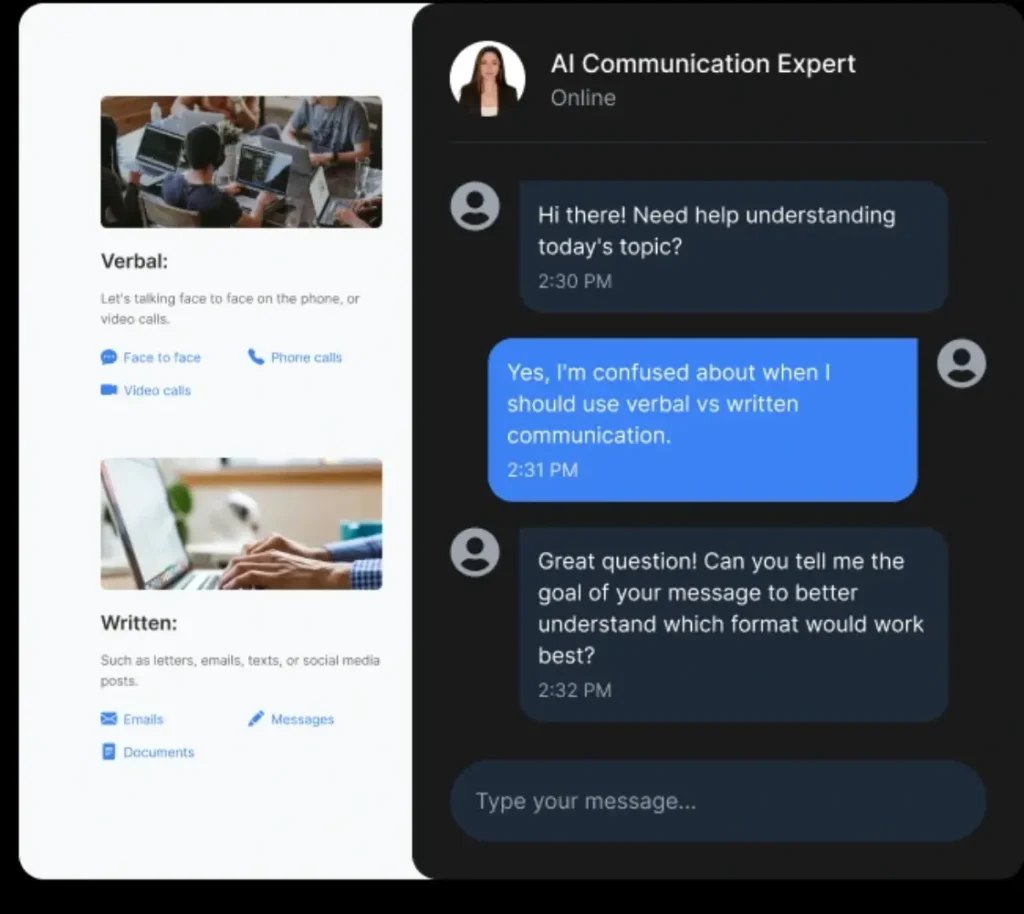
      How AI Tutor Helps in eLearning Courses?

      how ai tutor helps in elearning courses
      ×

        Get a Quote

        By submitting this form, you agree to the terms of service, privacy policy and cookie policy, and confirm that the services are for business use only, not personal or consumer use.


        Wait!

        Your  Free  AI Authoring Tool is Here