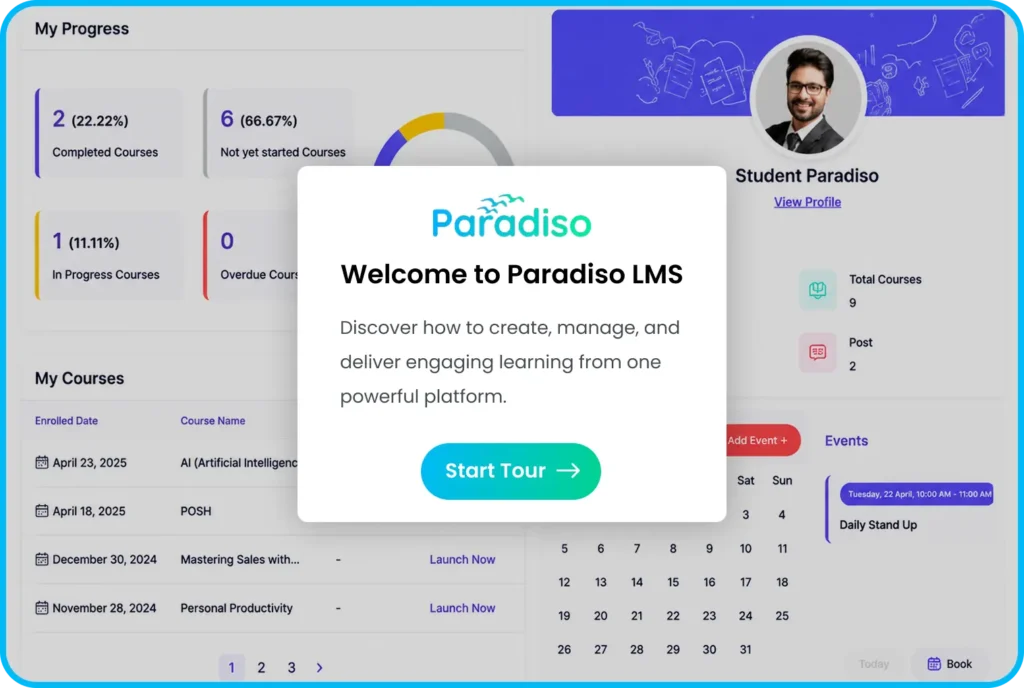
Paradiso LMS Learner Dashboard Product Tour
Paradiso LMS Learner Dashboard Tour:
Explore a Personalized Learning Experience
Explore the Paradiso LMS Learner Dashboard and discover how employees access courses, track their progress, complete assignments, view certifications, and manage their learning journey through an intuitive interface. See how a learner-focused dashboard improves engagement by providing personalized learning paths, easy course navigation, and visibility into individual training activities.
Got Questions?
Frequently Asked Questions
Can’t find what you’re looking for? Talk to our team.
The product tour showcases how learners access courses, view learning paths, track progress, complete assessments, and manage their training activities.
A learner dashboard provides a personalized learning environment where employees can easily find courses, monitor progress, access certificates, and continue their development journey.
The dashboard includes course access, learning paths, progress tracking, certifications, notifications, and personalized learning activities.
Yes, learners can access their training experience through mobile-friendly interfaces and dedicated mobile applications.
Yes, learners can view their completed courses, progress status, and earned certifications from the dashboard.
You can schedule a personalized LMS demo to explore the complete learner journey and understand how Paradiso LMS supports employee training.
Schedule a Personalized
LMS Demo
See how Paradiso LMS creates engaging learner experiences.