

Empower Learning with Paradiso’s Offline LMS
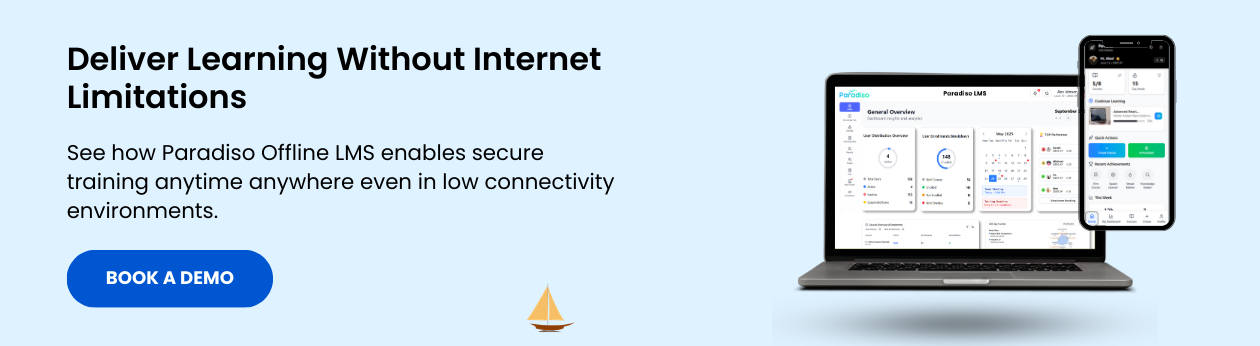
Paradiso Solutions introduces the Offline LMS, an innovative eLearning mobile solution that empowers learners to access training content anytime, anywhere, even without internet connectivity. This feature is particularly beneficial in today’s fast-paced work environments.
The Offline LMS allows learners to download content packages to their mobile devices, enabling them to engage with readings, videos, and evaluations offline. Once an internet connection is available, all progress and evaluation results are seamlessly synchronized with the platform, ensuring trainers have a comprehensive view of each learner’s journey.
This solution is ideal for users who are frequently on the move or have demanding schedules, providing the flexibility and convenience necessary to maintain continuous learning.
Customize Your Offline Learning Experienc
A standout feature of the Offline LMS is its robust customization capabilities. Paradiso Solutions offers rebranding and white-labeling options to ensure the platform aligns with your organizational identity. Our team collaborates with you to tailor the Offline LMS to meet your specific business requirements, acknowledging that each organization has unique learning and development needs.
Engage Modern Learners with Offline LMS
In today’s digital age, mobile accessibility is crucial. With studies showing that individuals spend an average of 30 hours per month on mobile apps, and nearly 6 billion people owning smartphones, incorporating mobile-friendly learning solutions is essential. The Offline LMS aligns with these trends, offering a training program that resonates with modern learners’ lifestyles, enhancing engagement and retention.
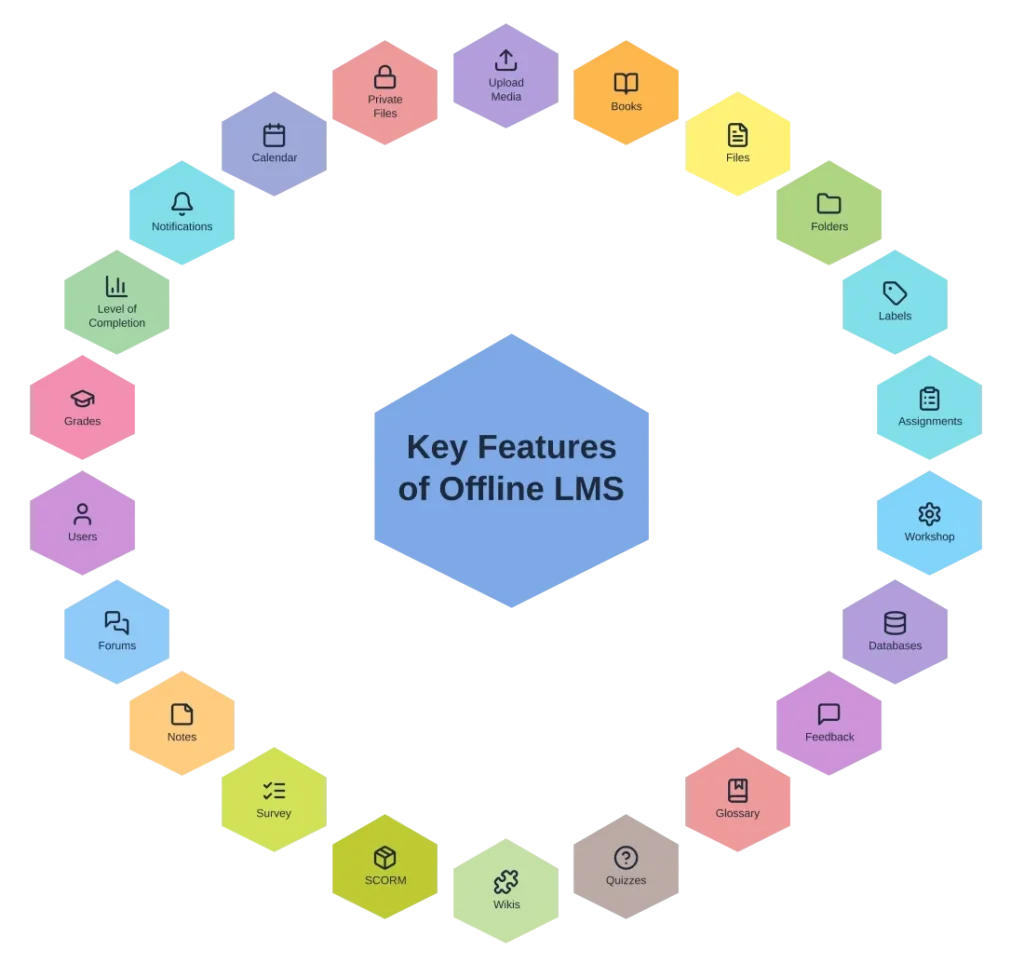
Key Features of Offline LMS
Books
Create and deliver structured learning materials in digital book format. Learners can access detailed course content, chapters, and references even without internet connectivity. This ensures a smooth and organized offline learning experience.
Files
Upload and share various file formats such as PDFs, presentations, videos, and documents. Learners can download and access these files offline anytime. This helps ensure uninterrupted access to essential training resources.
Folders
Organize course content in a structured and easy-to-navigate folder system. This helps learners quickly find relevant materials and improves content management for administrators.
Labels
Add text, images, or multimedia to highlight important information within courses. Labels provide instructions, announcements, and guidance to enhance learner engagement.
Assignments
Create offline assignments and allow learners to submit their work anytime. Once internet access is available, submissions are automatically synchronized for seamless evaluation.
Workshop
Enable peer-based learning and collaborative feedback through workshop activities. This promotes engagement, critical thinking, and skill development.
Databases
Build structured repositories where learners can contribute and access shared knowledge. This encourages collaboration and supports knowledge retention.
Feedback
Collect learner feedback through surveys and questionnaires in offline mode. Responses sync automatically when connected, helping improve training effectiveness.
Forums
Encourage discussions and knowledge sharing through offline-accessible forums. Learners can participate anytime and sync updates later.
Glossary
Create a centralized repository of key terms and definitions. This improves understanding and reinforces knowledge retention.
Quizzes
Assess learner knowledge with offline quizzes and automated grading. Results and progress sync once internet access is restored.
Wikis
Enable collaborative content creation through offline-accessible wiki pages. This supports continuous learning and teamwork.
SCORM
Deliver SCORM-compliant courses in offline mode. Progress and completion data are securely synchronized, ensuring enterprise compatibility.
Survey
Gather insights and learner opinions through offline surveys. This supports data-driven training decisions and course improvements.
Notes
Allow learners to create and save personal notes offline. Notes sync across devices to enhance knowledge retention.
Users
Manage learner access, roles, and permissions in offline environments. User data remains accurate and secure after synchronization.
Grades
Track learner performance and grading records offline. Results are automatically updated once connected.
Level of Completion
Monitor learner progress and course completion even without internet connectivity. This ensures accountability and training effectiveness.
Notifications
Send updates, reminders, and announcements that are delivered once devices reconnect. This keeps learners engaged and informed.
Calendar
Schedule training sessions, deadlines, and learning activities in an offline-accessible calendar to improve planning and consistency.
Private Files
Provide a secure space where learners can store personal learning documents. Files remain accessible offline and sync automatically.
Upload Media
Allow users to upload images, videos, and audio offline. Media is synchronized once connected, enhancing interactive learning.
Benefits of Integrating Offline LMS
- Intuitive and secure user experience
- Access training content anytime, anywhere
- Optimized for low bandwidth environments
- Automatic synchronization of offline progress when online
- Compatible with multiple platforms and devices (Mobile, Tablets, Desktops)
Organizations and educational institutions with learners lacking continuous internet access can greatly benefit from integrating the Offline LMS into their eLearning platforms. Formats like SCORM/AICC are supported, ensuring a seamless and secure learning experience without the need for content migration.
For further inquiries, please contact us at sales@paradisosolutions.com