



Quick Answer
The best LMS for professional services firms depends on the firm’s compliance, integration, client-training, and scalability requirements. Paradiso LMS is a strong option for organizations needing multi-tenant learning portals and complex integrations, while platforms such as 360Learning, Docebo, Cornerstone, TalentLMS, iSpring Learn, Skillsoft, and Moodle serve different use cases. Law firms should prioritize compliance tracking, consulting firms should emphasize integrations and scalability, and smaller firms should prioritize usability and total cost of ownership.
What Is the Best LMS for Professional Services Firms?
A strong corporate training strategy helps professional services firms develop employee skills, maintain compliance, and deliver consistent learning experiences across locations.
There is no single best LMS for every professional services firm. The right choice depends on compliance requirements, integrations, number of learners, external training needs, reporting requirements, and available implementation resources.
Best LMS Platforms for Professional Services at a Glance
Professional services firms face a unique training challenge: your team is geographically distributed, compliance-heavy, and perpetually busy with client work. They need training that fits around billable hours, integrates with existing systems, and proves ROI to leadership. Yet most LMS platforms treat all industries the same—and that’s where the problems start.
Choosing the wrong platform costs you 6-12 months of implementation, $100K+ in software and services, and the frustration of data migrations, workflow gaps, and underutilized features. The right platform eliminates that risk and becomes your competitive advantage.
This guide cuts through noise. We’ll show you exactly what to look for, walk through 8 leading platforms, and give you a clear decision framework—whether you’re a 150-person law firm or a 5,000-person consulting network.
Why Professional Services Firms Need a Specialized LMS
Professional services firms often need a corporate LMS that can manage employee onboarding, compliance training, professional development, certifications, and external learning within one system.
Organizations evaluating platforms should also compare the best LMS for corporate training options to understand which capabilities support scalable workforce learning, compliance, and business growth.
Generic enterprise LMS platforms may not address the specific workflows, integrations, and multi-audience requirements common in consulting, legal, accounting, and other professional services organizations.
Compliance is non-negotiable.
If you’re a law firm, you need CLE (Continuing Legal Education) credit tracking and state-specific compliance proof. Accounting firms require CPE (Continuing Professional Education) audits. Consulting firms handle GDPR and HIPAA for client data. A standard LMS might check the “compliance training” box, but it won’t track state-by-state requirements, auto-generate audit reports, or integrate with bar associations and licensing bodies.
Integration is table stakes, not a nice-to-have.
Your people data may live in Workday or ADP, which makes a reliable LMS HRIS integration essential for reducing manual administration.. Your client relationships live in Salesforce. Your project management lives in Monday or Asana. Your billing sits in NetSuite or SAP. A platform that doesn’t integrate deeply with these systems creates manual data entry nightmares—your team becomes an unwilling middle layer, typing the same information into five different systems.
Mobile and asynchronous learning are mandatory.
You can’t ask a billing partner or senior consultant to carve out 2 hours for online training. They learn on flights, between meetings, on their phones. If your LMS requires a desktop browser or doesn’t sync offline content, adoption crumbles.
Data security isn’t optional.
You handle sensitive client information—legal briefs, financial audits, healthcare records. GDPR, HIPAA, SOC2 compliance matters. Most “affordable” LMS platforms won’t meet these standards.
Extended enterprise needs vary by firm.
If you’re a Firms that regularly educate implementation partners, resellers, affiliates, or external consulting partners may also need dedicated partner training software, you may need a white-label LMS to deliver a branded learning experience and a multi-tenant LMS to separate learners, administrators, content, and reporting by client or business unit. Larger firms that train customers, partners, or external professionals should also evaluate an extended enterprise LMS rather than relying only on an employee-focused corporate LMS. If you’re a large network of accounting firms, you need sub-tenants with separate branding. If you’re a law firm training in-house and handling CLE for outside attorneys, you need role-based access control that doesn’t exist in basic platforms.
Implementation support makes or breaks the project.
An LMS is only as good as your go-live. If a vendor disappears after you sign the contract, you’re stuck with unfinished integrations, untrained staff, and data still trapped in your old system. Professional services firms need vendors who provide migration services, dedicated success managers, and ongoing support.
Organizations beginning their LMS evaluation process can also use an LMS buyer’s guide to understand selection criteria, implementation requirements, and pricing considerations.
How We Evaluated the Best Professional Services LMS Platforms?
1. 360Learning
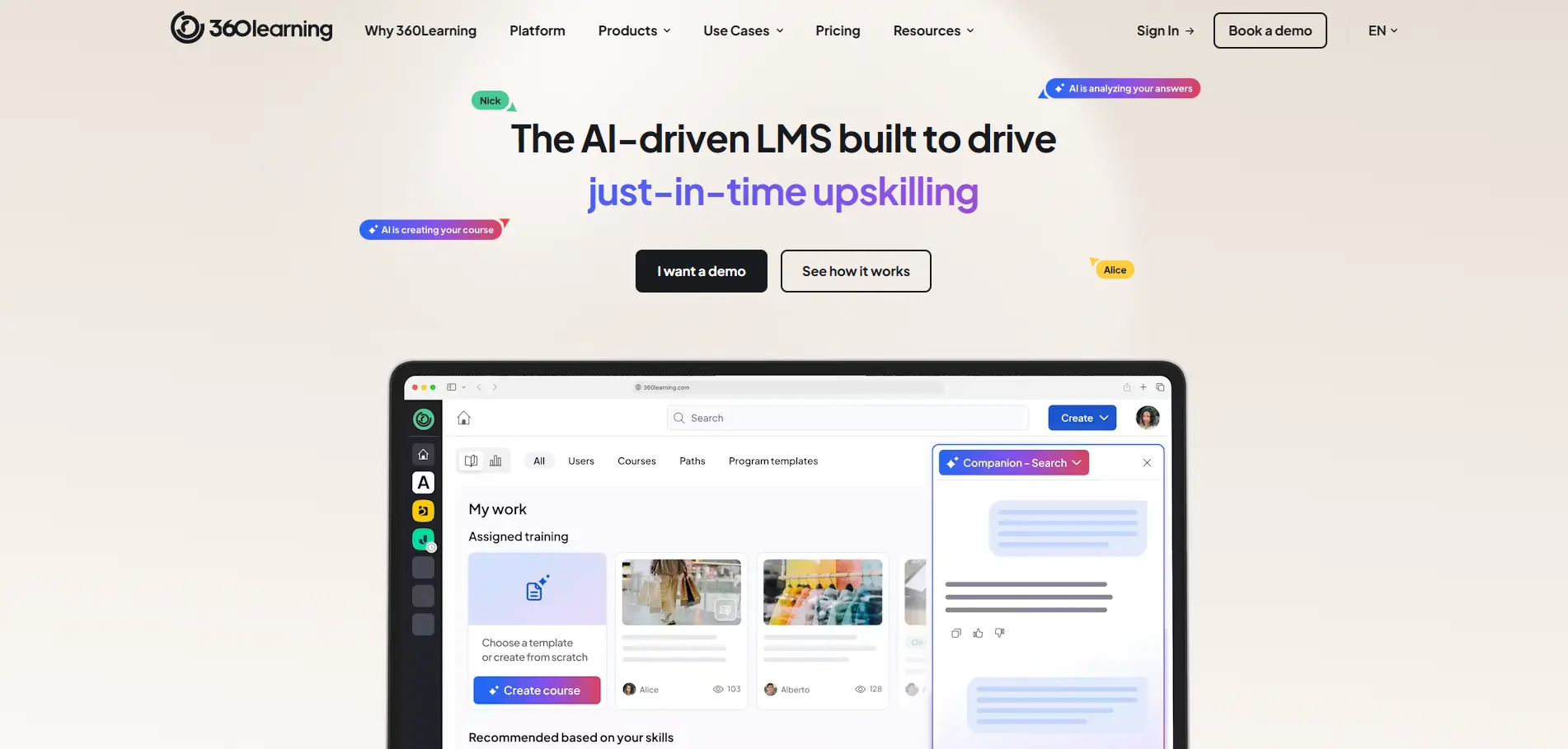
Best for: Consulting firms valuing collaborative, social learning with modern UX
Top 3 strengths:
- Collaborative learning platform: Built for peer-to-peer learning. Employees create courses, share knowledge, and learn from colleagues—not just consume company-mandated training.
- Modern, mobile-first interface: Intuitive design means faster adoption. No training wheels needed.
- Strong integration ecosystem: Pre-built connectors for Slack, Salesforce, Workday, Teams. Good API for custom integrations.
Limitations:
- Compliance tracking is basic (CLE/CPE not a focus)
- Limited multi-tenant capabilities
- Reporting is functional but not enterprise-grade
Verdict: Excellent for consulting firms prioritizing engagement and collaboration over heavy compliance automation.
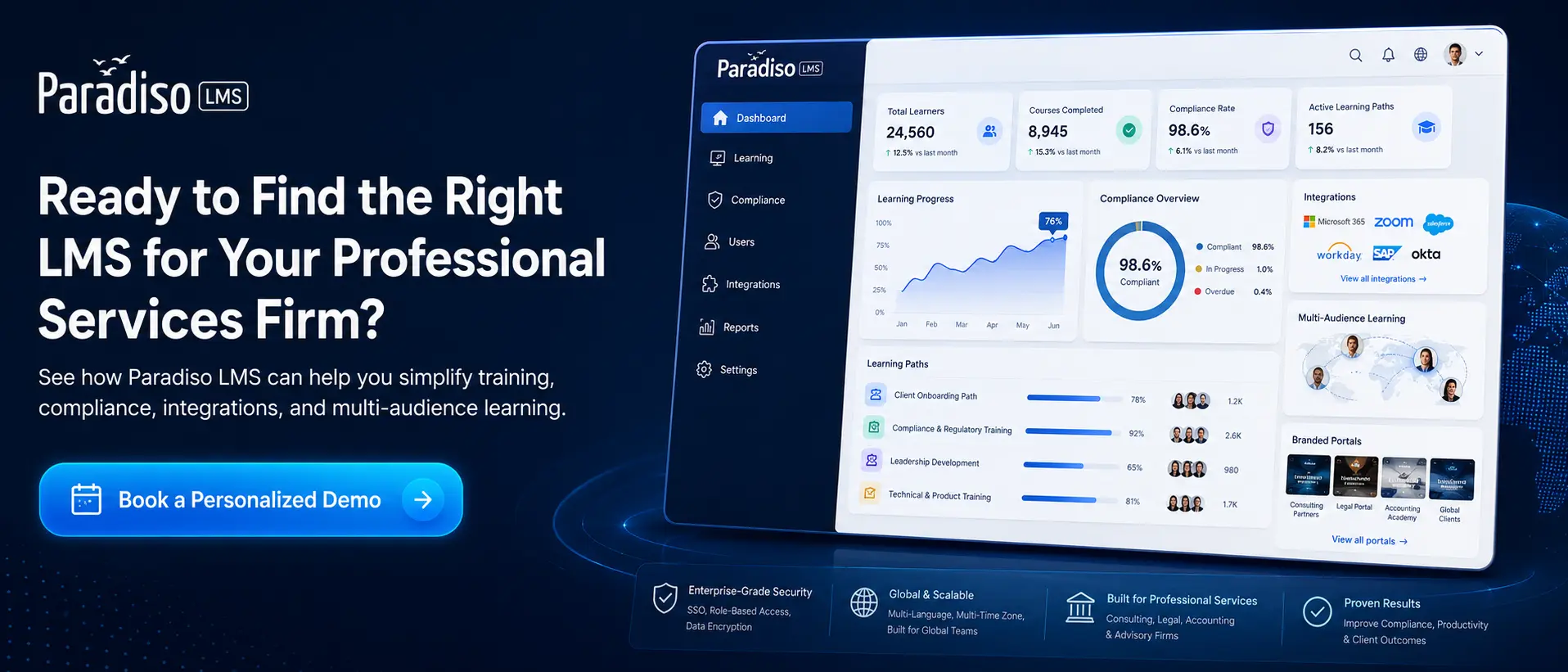
2. Paradiso LMS

Best for: Large consulting and professional services networks needing multi-tenant, advanced integrations, and white-label capabilities
Top 3 strengths:
For firms primarily focused on employee development, onboarding, compliance, and workforce training, Paradiso can also be deployed as a corporate LMS while extending learning to clients, partners, and external audiences when required.
- True multi-tenancy: Build separate LMS instances within your platform—perfect for accounting networks, consulting partnerships, or B2B2C models. Each client gets their own branded space, user base, and content, all managed from a single admin console.
- Advanced integrations: Paradiso doesn’t just have an API; it ships with pre-built connectors for Salesforce, Workday, ADP, SAP, NetSuite, and 50+ other systems. Workflows automate data flows (new hire syncs → auto-enroll in onboarding; completion data pushes back to HRIS).
- Dedicated support: Implementation includes a dedicated success manager, migration services, and ongoing team support. Go-live timelines are realistic; your team isn’t left alone.
Organizations can further improve employee onboarding through dedicated employee onboarding software that creates structured learning journeys for new hires.
Limitations:
- Requires more onboarding due to feature depth
- Best for mid-to-large enterprises
Verdict: Professional services organizations that need multiple branded learning environments, enterprise integrations, centralized administration, and support for both internal and external learners.
Paradiso LMS is included in this comparison. Platform capabilities, integrations, pricing, and compliance requirements can change, so buyers should verify critical requirements directly with each vendor before making a purchasing decision.
Choose Paradiso LMS if you need:
Multiple branded learning portals
Internal + external training
Enterprise system integrations
Complex roles and workflows
Centralized administration across different audiences
Consider alternatives if:
You have fewer than 100 learners
Your training needs are basic
You primarily want an off-the-shelf course library
Minimal configuration is your highest priority
3. Docebo
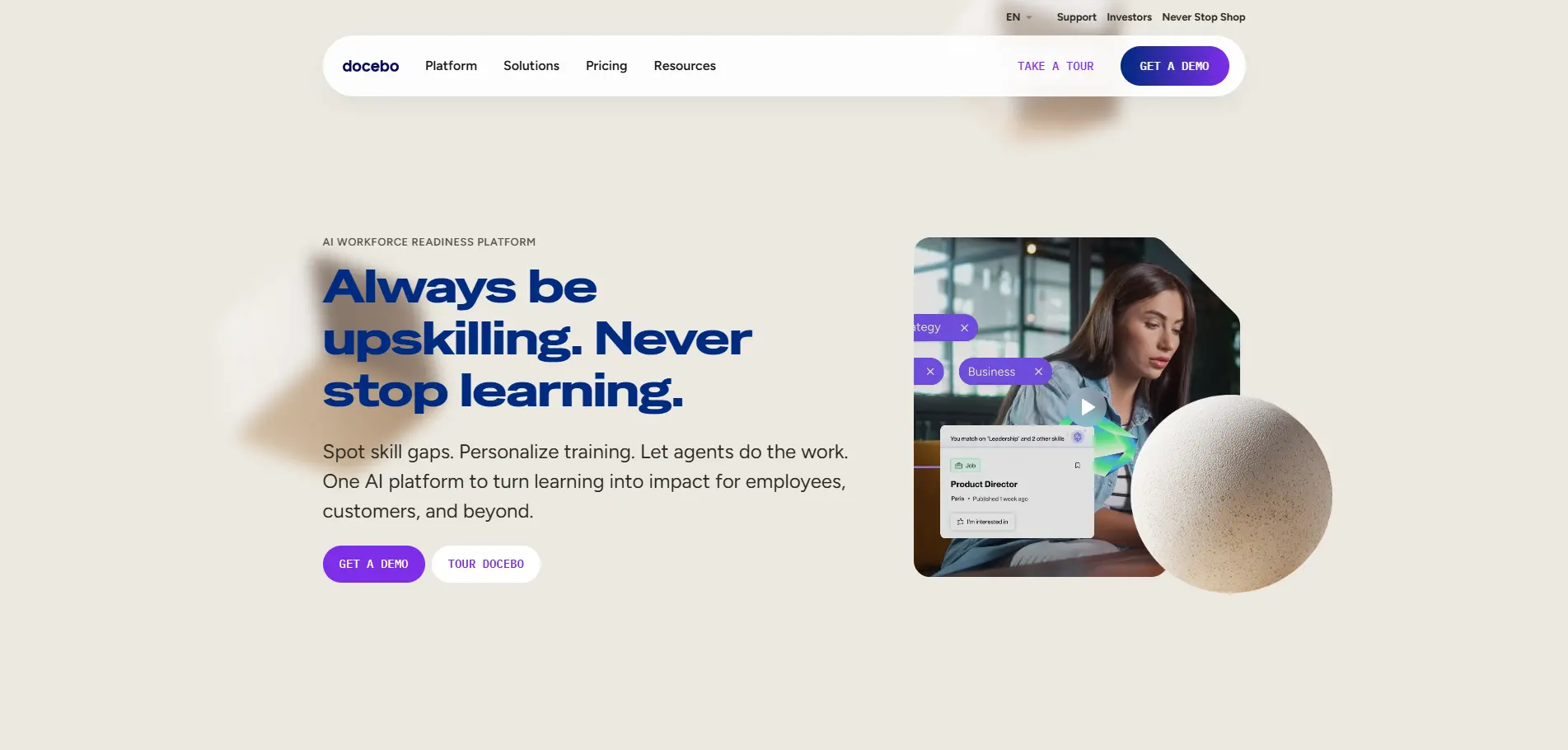
Best for: Large, global professional services firms needing AI-driven learning and sophisticated analytics
Top 3 strengths:
- AI-powered recommendations: Machine learning suggests content to employees based on role, past learning, and skill gaps. Increases engagement and relevance.
- Enterprise analytics: Powerful dashboards, learning journeys, skill mapping. Advanced reporting for stakeholder communication.
- Global scale: Built for multinational firms. Supports 100+ languages, multiple currencies, and complex compliance across jurisdictions.
Limitations:
- Complex implementation and steep learning curve
- Expensive (requires dedicated admin)
- Compliance focus weaker than specialized platforms
Verdict: Best for global professional services firms that want AI-driven learning and are willing to invest in implementation.
4. iSpring Learn
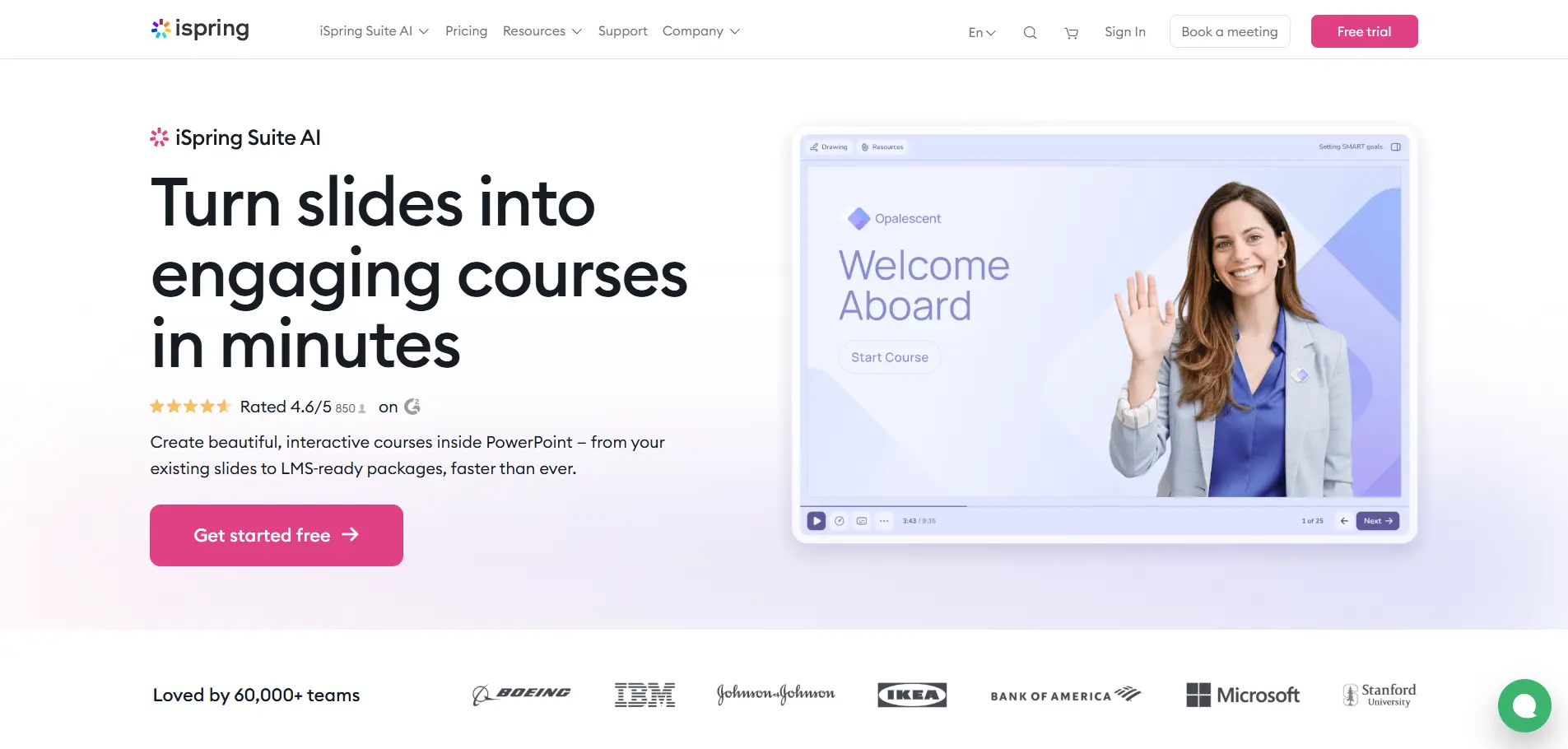
Best for: Mid-market professional services firms needing rapid content creation and ease of use on a budget
Top 3 strengths:
- Built-in course authoring: Create interactive courses without external tools. Templates, drag-and-drop editors, and rapid deployment.
- Affordability: One of the most cost-effective platforms. Good ROI for small-to-mid-size firms.
- Ease of use: Minimal training required. Non-technical staff can manage the platform.
Limitations:
- Limited advanced integrations (API exists, but not pre-built connectors)
- Compliance tracking is basic
- Analytics are functional but not sophisticated
Verdict: Great for smaller professional services firms with straightforward learning needs and limited IT resources. Professional services firms can also use an AI course creator to convert internal expertise, documents, and presentations into structured learning content.
5. Cornerstone OnDemand
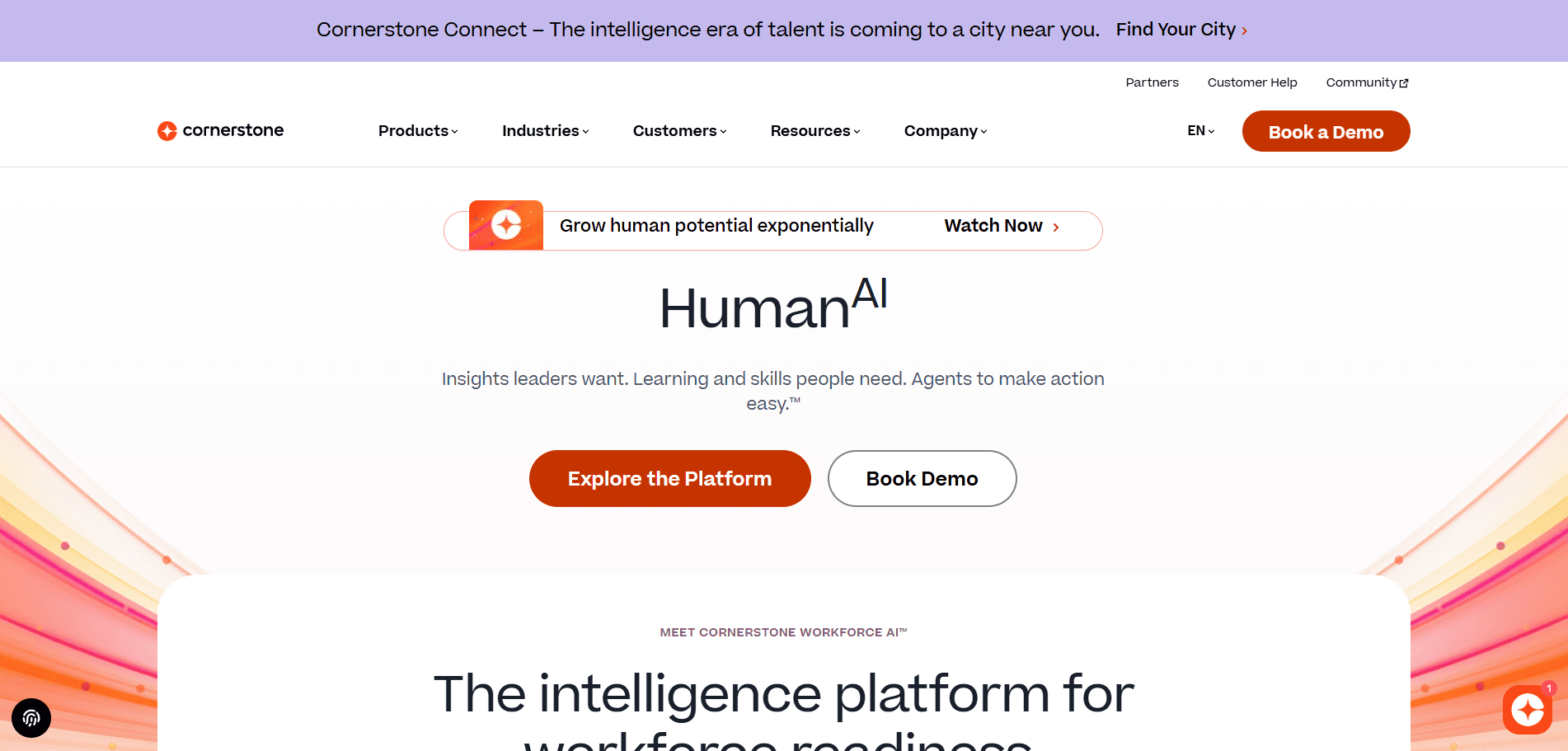
Best for: Law firms and compliance-heavy professional services with talent development focus
Top 3 strengths:
- Compliance-first architecture: Built with regulated industries in mind. CLE/CPE tracking, audit trails, certification management are native—not bolt-ons.
- Talent management integration: Learning is part of a broader talent strategy—career pathing, skill mapping, succession planning built-in.
- Enterprise security: SOC2, HIPAA, GDPR—all certified. Serious data security.
Limitations:
- High cost and complexity (requires partner for implementation)
- Steep learning curve
- Customization heavy; vanilla features may not fit your workflow
Verdict: Best-in-class for law firms and compliance-heavy professional services that can justify the investment.
6. TalentLMS
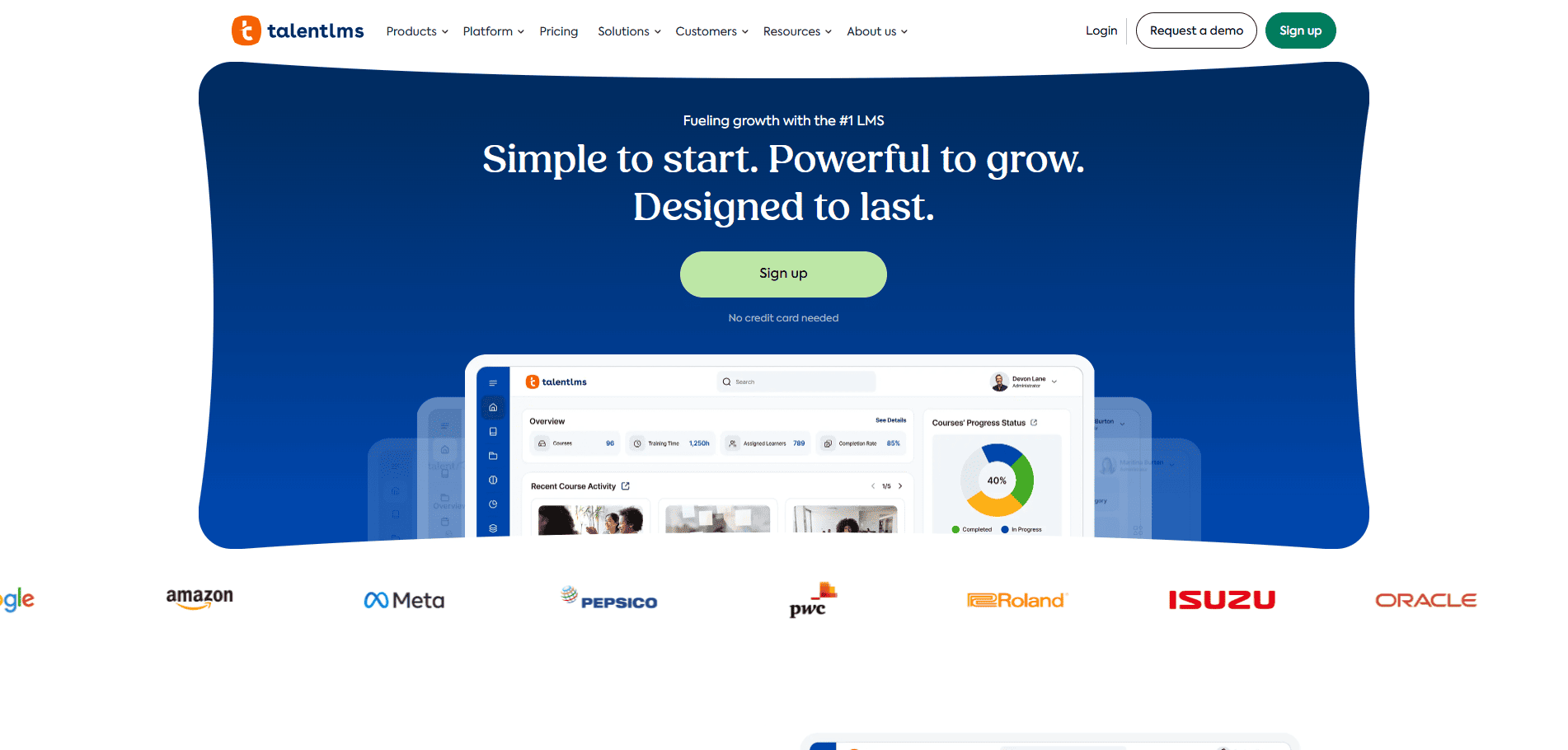
Best for: Mid-market professional services firms seeking balance of features, ease, and price
Top 3 strengths:
- User-friendly interface: Minimal setup; templates get you live quickly. Ideal for firms without dedicated L&D staff.
- Good balance: Reasonable feature set—integrations, mobile app, reporting—without enterprise complexity.
- Affordable: Lower cost than Docebo or Cornerstone, but more capable than basic platforms.
Limitations:
- Not as feature-rich as enterprise platforms
- Compliance tracking is present but not sophisticated
- Limited customization for unique workflows
Verdict: Solid mid-market choice for growing professional services firms that want a capable platform without enterprise complexity or cost.
7. Skillsoft

Best for: Professional services firms needing access to massive external content libraries (tech, business, compliance)
Top 3 strengths:
- Massive content library: Thousands of pre-built courses on business, IT, compliance, soft skills. No content authoring needed.
- Mobile app: Native iOS/Android app; good offline support for busy professionals.
- Content currency: Regularly updated—new tech, regulatory changes reflected quickly.
Limitations:
- Less about customization; more about consuming external content
- Integration is basic (API exists, but not deeply integrated)
- Compliance tracking depends on the content library, not the platform
Verdict: Best for firms comfortable with external, pre-built content and seeking breadth over customization.
8. Moodle (Open Source)

Best for: Organizations demanding complete control and willing to manage the platform themselves (or hire a developer)
Top 3 strengths:
- Complete customization: Open-source code means unlimited customization. Build exactly what you need.
- No vendor lock-in: You own your data and platform. Freedom to modify, extend, or migrate.
- Community support: Large, active community. Plugins available for almost anything.
Limitations:
- Requires technical resources (in-house or contractor) to manage
- Implementation and customization slow without strong tech team
- Compliance features not native; must be built
Verdict: Only for firms with dedicated IT teams and specific customization needs that justify the complexity.
Which LMS Is Right for Your Firm? Four Scenarios
Implementation Checklist: From Selection to Go-Live
Pre-Selection Phase (This Month)
- Define your must-haves vs. nice-to-haves using the 8 criteria above
- List all systems you need to integrate (HRIS, CRM, time tracking, SSO, ERP, etc.)
- Estimate your user count + projected growth over 24 months
- Document your compliance requirements (CLE/CPE, GDPR, HIPAA, SOC2, etc.)
- Determine if you need multi-tenant or white-label lms
- Capture pain points with your current platform (migration risks, data dependencies)
Evaluation Phase (1-2 Months)
- Request demos from 3-4 vendors (start with top choices for your scenario)
- Ask deep questions about integrations, API documentation, and migration process
- Request references from similar-sized firms in your industry; call them
- Get detailed pricing (all-in, not just per-user base price)
- Understand implementation timelines, costs, and success metrics
- Review compliance certifications and security audit reports (SOC2, ISO 27001, etc.)
Due Diligence (2-3 Weeks)
- Contact references and ask: “What surprised you after go-live?” and “How has vendor support been?”
- Review contract terms (cancellation clauses, price increases, SLAs, data ownership)
- Request proof-of-concept for your top integrations (doesn’t have to be live, but functional demo)
- Test the mobile app and user interface (usability matters!)
- Calculate true cost of ownership: platform + implementation + internal resource time
Decision & Planning (2-4 Weeks)
- Select your vendor
- Kick off implementation project (assign internal sponsor and project lead)
- Plan data migration (content, user records, course history)
- Create internal comms and change management plan (staff training, adoption strategy)
- Establish success metrics and go-live targets
ROI & Measuring Success
Don’t just implement an LMS. Measure its impact.
Organizations running external training should also measure the ROI of an extended enterprise LMS using metrics such as cost savings, partner performance and business outcomes.
Compliance ROI
- Reduced audit risk and potential fines
- Time saved on manual CLE/CPE tracking (you save 10-20 hours/month per person managing compliance)
- Automated proof of completion (audit-ready reports in seconds, not days)
Productivity ROI
- Reduced onboarding time (new consultants/associates ramp 20-30% faster)
- Knowledge transfer (reduce silos; new people have access to institutional knowledge)
- Staff retention (better L&D = lower turnover; a 5% retention improvement = $200K+ for a 100-person firm)
Efficiency ROI
- Admin time saved (automated workflows, no more manual data entry)
- Integration automation (data flows once; no rekeying across systems)
- Reporting time (automated dashboards vs. manual reports = 5-10 hours saved/month)
Set a baseline before go-live, then measure:
- Completion rates (target: 95%+ for mandatory training)
- Time-to-completion (track against baseline)
- Admin hours spent on training (should drop by 30-50%)
- Track the cost per trained employee alongside improvements generated by employee onboarding software and automated learning workflows. (total platform cost ÷ employees trained)
- Compliance violations (should approach zero)
Which Professional Services LMS Should You Choose?
There isn’t one LMS that is best for every professional services organization.
Choose based on your biggest operational requirement: law firms should emphasize compliance and certification management; consulting firms should prioritize integrations, knowledge sharing, and scalability; accounting firms should evaluate CPE workflows and administrative simplicity; and global professional services networks should prioritize security, integrations, multi-audience management, and centralized reporting.
If your organization needs to manage employees, clients, partners, or multiple branded learning environments from one platform, Paradiso LMS is worth including in your evaluation.
Before selecting any LMS, document your must-have integrations, compliance requirements, learner populations, reporting requirements, implementation resources, and three-year total cost of ownership.